
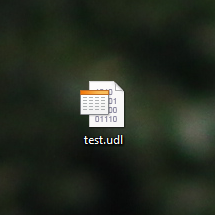
Create empty file and call it “test.udl”. In Windows it be with the icon like in Figure 1. UDL means “Universal data link” and open this file. This post is for registered users only.
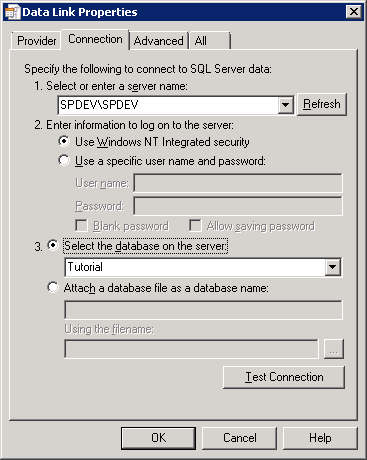
Open this file and you will see a window like in Figure 2. By default the tab “Connection” is opened. Here in the field 1 you should write or select server name and instance.
Figure 2. Data Link properties
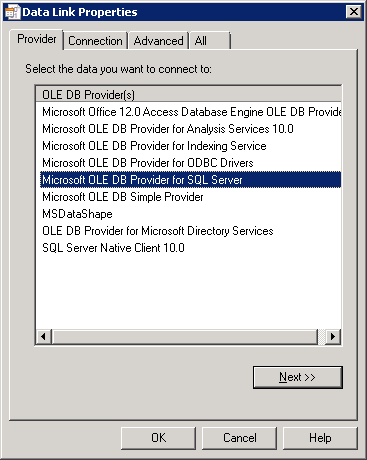
In the tab “Provider” you should select a provider to connect to SQL server. In figure 3 Microsoft OLE DB Provider for SQL Server is selected. You may need to install specific drivers for some types of SQL Server.
Tabs “Advanced” and “All” are very specific, you may not to use them.
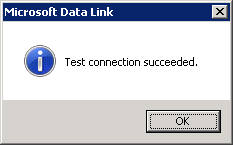
So, in tab “Connection” test your connection and press Ok.
Then open .udl file in Notepad (right click – open with Notepad). This is your connection string:
Provider=SQLOLEDB.1;Integrated Security=SSPI;Persist Security Info=False;Initial Catalog=Tutorial;Data Source=SPDEV\SPDEV