
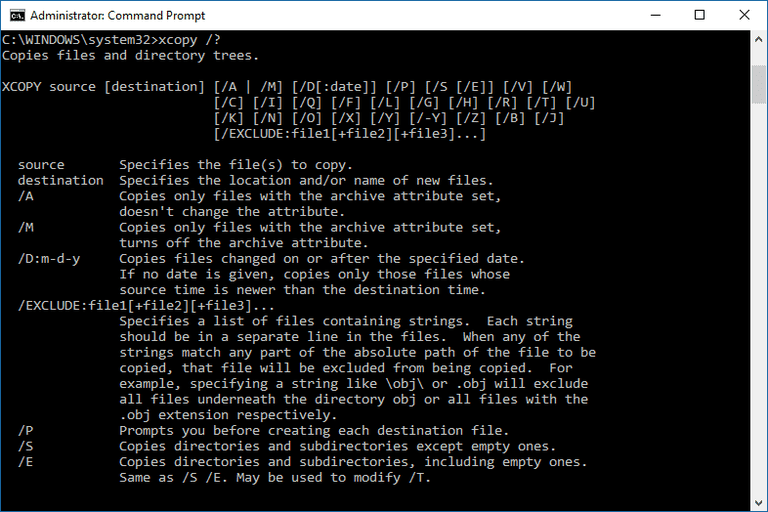
You can easily copy files from one directory to another. You can easily create cmd-file with the command XCOPY and it’s keys and make copies of files.
xcopy c:\dir1\*.* d:\ /O/X/E/H/K
In this command data will be copied from c:\ to D:\, even folders and system files as well. Here’s what the flags do:
/E – Copies folders and subfolders, including empty ones.
/H – Copies hidden and system files also.
/K – Copies attributes. Typically, Xcopy resets read-only attributes.
/O – Copies file ownership and ACL information.
/X – Copies file audit settings (implies /O).