
To retrieve a SharePoint version there’s no need to go to Central Administration. You can easily see it if you enter the URL
http://mig1/_vti_pvt/service.cnf
The result is something like this:
vti_encoding:SR|utf8-nl
vti_extenderversion:SR|15.0.0.4885
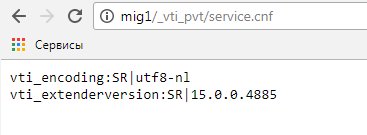
According to the information above, you can see that you are working with an old version of SharePoint 2013.