Portable Gacutil – How to Execute It Correctly
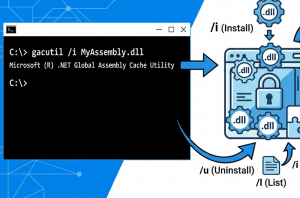
I recently needed to investigate a DLL version incompatibility on a Windows Server. I needed the Gacutil utility to check which version of an assembly was installed in the Global Assembly Cache (GAC). The problem was that there were no development tools installed on the server. Instead of installing the complete development environment, I decided […] Read more»