
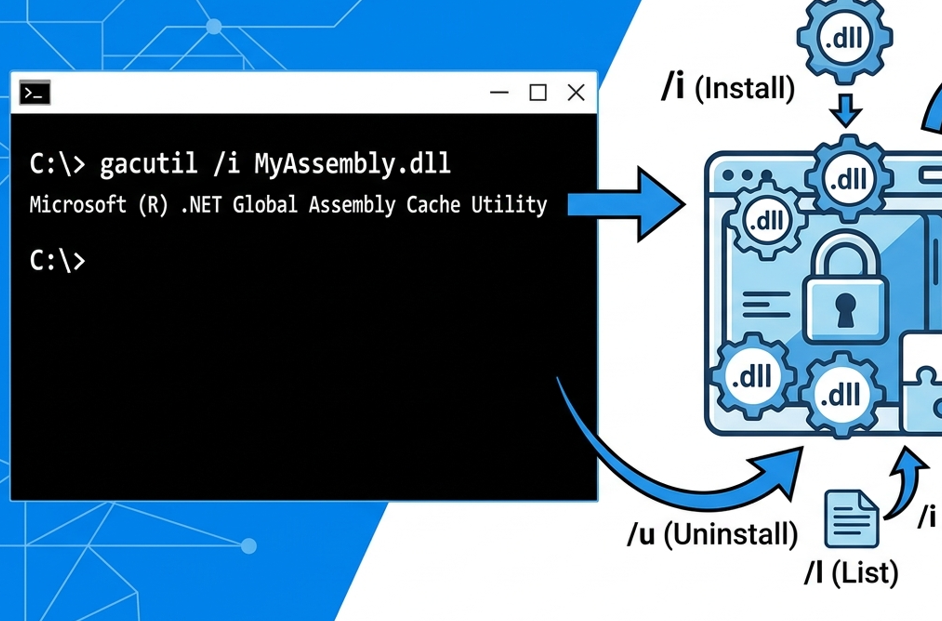
I recently needed to investigate a DLL version incompatibility on a Windows Server. I needed the Gacutil utility to check which version of an assembly was installed in the Global Assembly Cache (GAC).
The problem was that there were no development tools installed on the server. Instead of installing the complete development environment, I decided to copy Gacutil from my development machine.
Copying Gacutil
On my development machine, I found Gacutil here:
There were two files:
gacutil.exegacutil.exe.config
I copied these two files to the server and tried to check the version of the assembly I was interested in:
.\gacutil.exe /l System.Runtime.CompilerServices.UnsafeHowever, the only output I received was the version information of the Gacutil utility itself:
Microsoft (R) .NET Global Assembly Cache Utility. Version 4.0.30319.0
Copyright (c) Microsoft Corporation. All rights reserved.
There was no information about the assembly.
The missing DLL
It turned out that simply copying gacutil.exe and its configuration file was not enough.
Gacutil also requires the resource DLL gacutlrc.dll.
On my development machine, I found it in the 1033 subdirectory:
C:\Program Files (x86)\Microsoft SDKs\Windows\v10.0A\bin\NETFX 4.8 Tools\1033\gacutlrc.dll
I copied gacutlrc.dll to the same directory on the server as:
C:\Install\gacutil\
     gacutil.exe
     gacutil.exe.config
     gacutlrc.dll
After that, the command worked as expected:
.\gacutil.exe /l System.Runtime.CompilerServices.UnsafeThe output was:
The Global Assembly Cache contains the following assemblies:
 System.Runtime.CompilerServices.Unsafe, Version=6.0.3.0, Culture=neutral,
PublicKeyToken=b03f5f7f11d50a3a, processorArchitecture=MSIL

 Number of items = 1
Conclusion
If you want to use Gacutil on a server without installing the development tools, copying only gacutil.exe and gacutil.exe.config is not sufficient.
At minimum, you also need the corresponding gacutlrc.dll resource file from the appropriate language directory, such as 1033 for English.
The resulting portable setup is:
- gacutil.exe
- gacutil.exe.config
- gacutlrc.dll
With these files in the same directory, you can use Gacutil to inspect assemblies in the GAC without installing the full Windows SDK or development environment.